
Skills
Production Skills
JIRA
Scrum and Agile Methodologies
Kanban
Waterfall
KPI’s and tracking progress
Sprint Planning & Retrospectives
Scope and Budget Breakdowns
Resource Planning
Setting Deadlines and Milestones
Tracking Project and Individual Velocity
Creating and Performing Presentations
Outsource Management
High-Level Planning and Dependency Management
Monitoring Project Scope
Risk Identification and Management
Financial planning and budget analysis using excel
Artistic Skills
3d High Poly / Low Poly Modeling
Texturing
UV Unwrapping
Sculpting
Animation
Rigging ( Basic )
Lighting
Rendering
Compositing
Game Engine
Assets Importing to the game engine
Materials and Shading
Level Designing
Dynamic Lighting
Baked Lighting
Game Engine Animations
Creating Environments
Performance Optimization
Profiling
Creating Unreal Blueprints
Leadership
“A good leader knows it’s not about having the best people, it’s about bringing out the best in the people you have.”
As a team leader, I strive to improve myself every day, and I motivate my team and understand the strengths and weaknesses of each team member. I use those strengths to achieve the best results. This ensures they stay engaged and are driven to perform at their highest potential. Effective communication and conflict resolution are key to maintaining trust and alignment. By fostering motivation, trust, and confidence within the team, I ensure that every project is executed successfully and exceeds expectations.
Creativity
No matter what position I hold, my artistic background, combined with technical expertise, always gives me a unique edge in truly understanding the tasks at hand. Whether it’s project management or any other role, I don’t just create plans from a high level, I dive deep into the game development process. I have hands-on knowledge of every step involved, from artistic aesthetics to technical constraints. This enables me to anticipate potential challenges and solve them effectively.
Software Proficiency
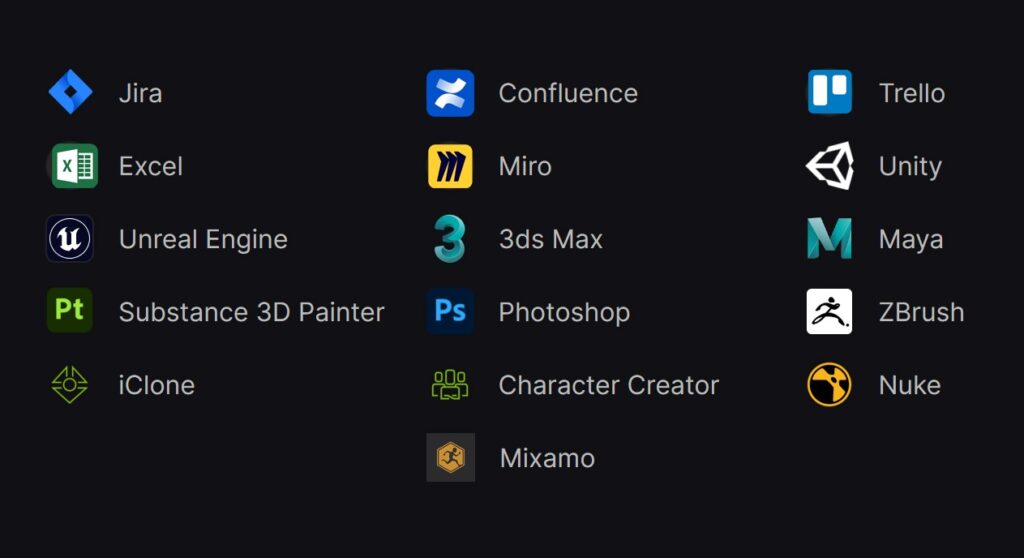
Technical Art Game Engine Tools
Unity Creeper Tool
An intuitive Unity Editor toolset that lets you draw and visualize dynamic hanging curves directly in the scene view. Easily connect objects with customizable curves that respond to changes in position, gravity sag, and surface clamping. The integrated Spline Distributor automatically places and randomizes objects like leaves, cables, or decorations along the curve with advanced controls like mirroring, scaling, and spacing. Supports live updates for real-time iteration and flexible manual adjustments. Perfect for building natural-looking vines, hanging wires, or detailed level dressing with just a few clicks!
Unity Scene Assets Collector
Move Assets To Folder
A custom Unity Editor tool designed in-house to help our team keep large projects organized and efficient. With a simple window you can:
Select which asset types to gather from the open scene (meshes, prefabs, materials & textures, lighting data, terrain, scripts, audio clips, sprites, fonts, and particle systems).
Point the tool at a target folder in your project; it automatically creates matching subfolders (“Meshes”, “Materials”, “Audio”, etc.) if they don’t already exist.
Scan the scene for every reference to your chosen asset types, including textures inside materials and prefabs containing particle systems.
Move each file into its proper subfolder in one click, then neatly refresh the project.
Undo the entire operation, restoring every asset exactly where it began if you need to backtrack.
Built specifically for our internal pipelines, this tool saves hours of manual file management and ensures that every project stays clean, consistent, and ready for rapid iteration.